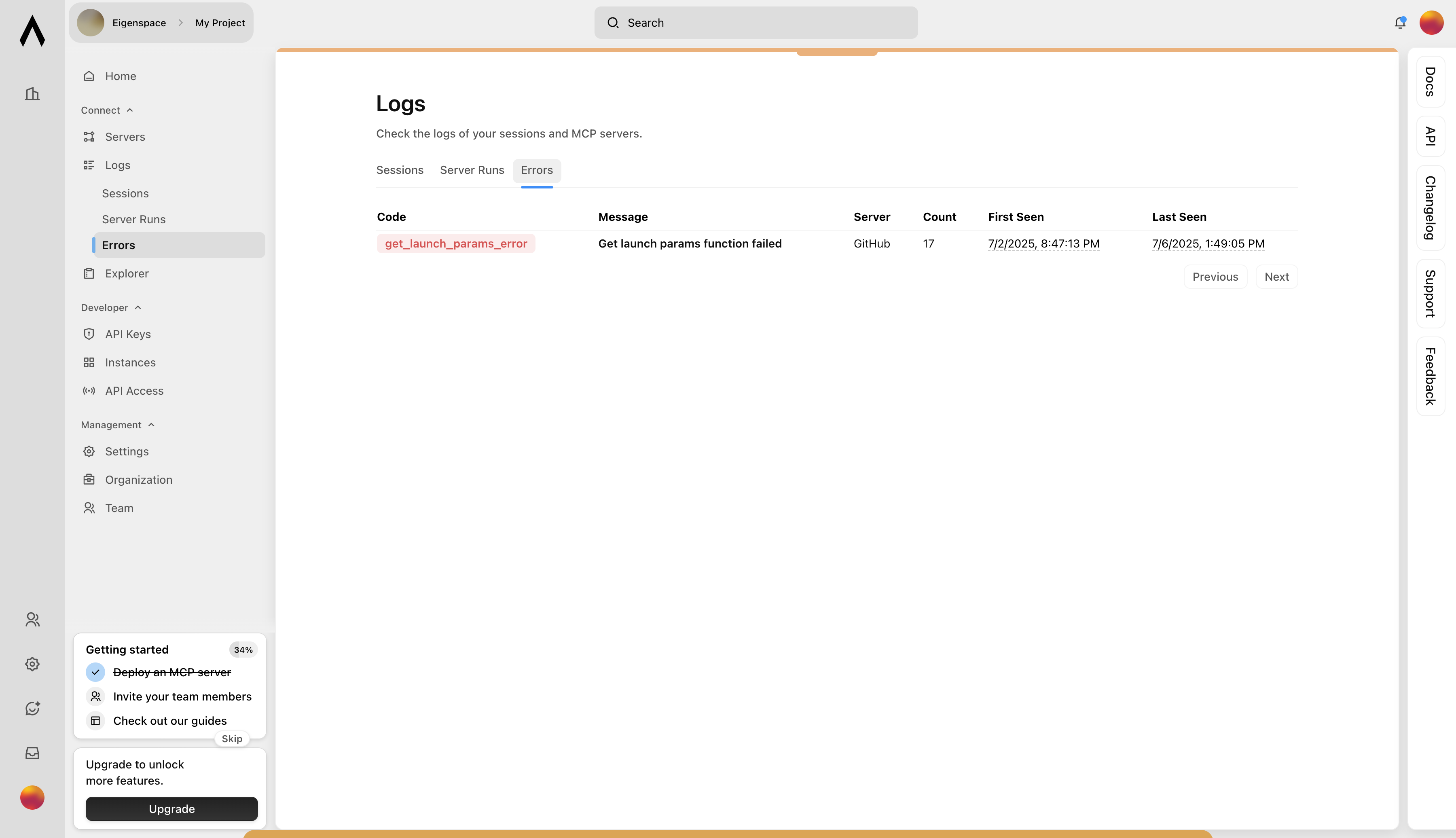
What you’ll learn:
- How to view session logs
- How to inspect server run history
- How to review deployment errors
- Complete the Introduction guide
- Complete the Deploying your first MCP server guide
- Complete the Testing your first MCP server guide
- Complete the Using your first MCP server guide
1
1. View All Sessions
Navigate to Logs → Sessions in the sidebar to see every chat session that’s opened against your MCP servers.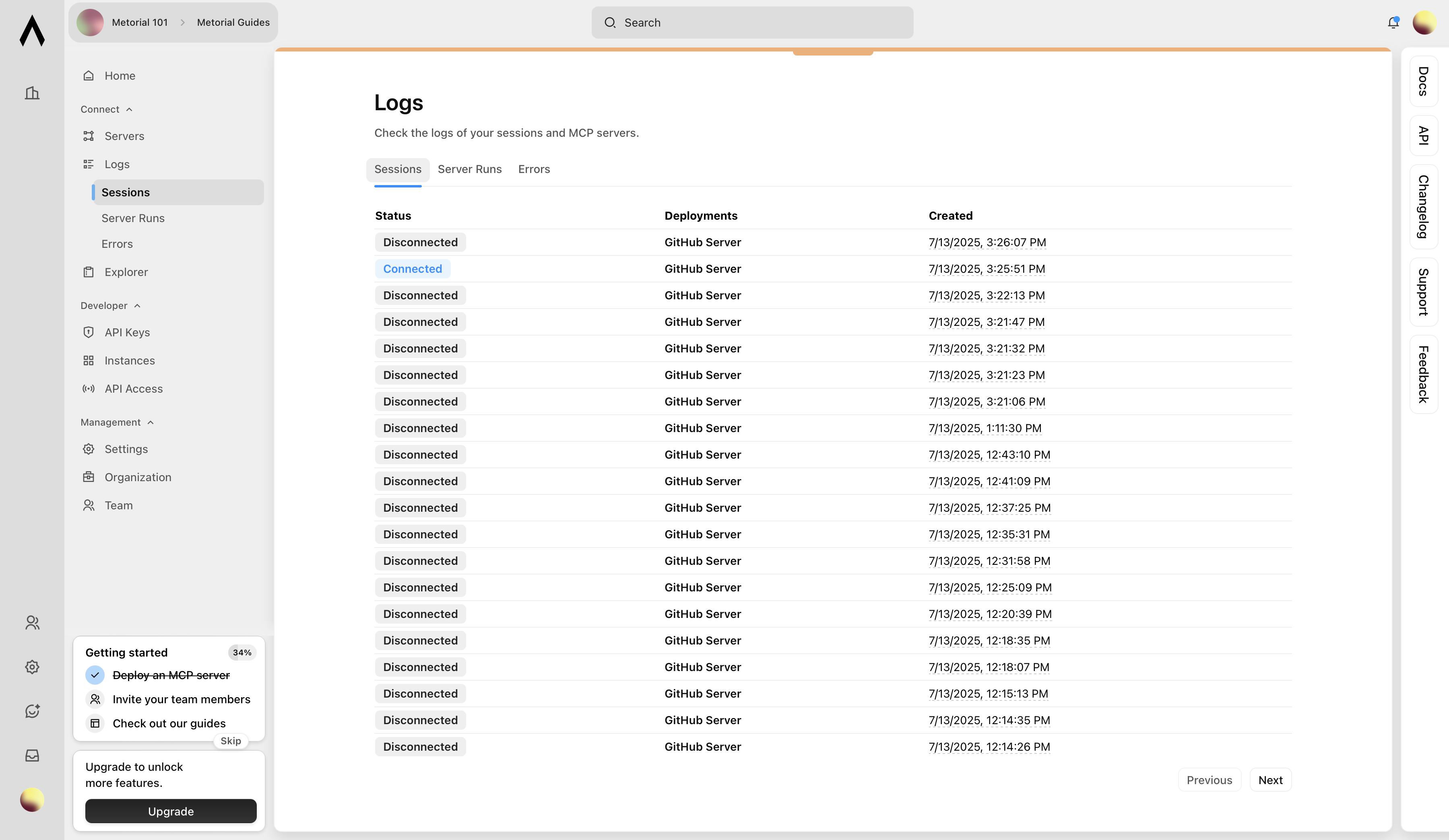
2
2. Drill into a Session
Click any session row to open the detailed view. Here you can see the session’s creation and connection events.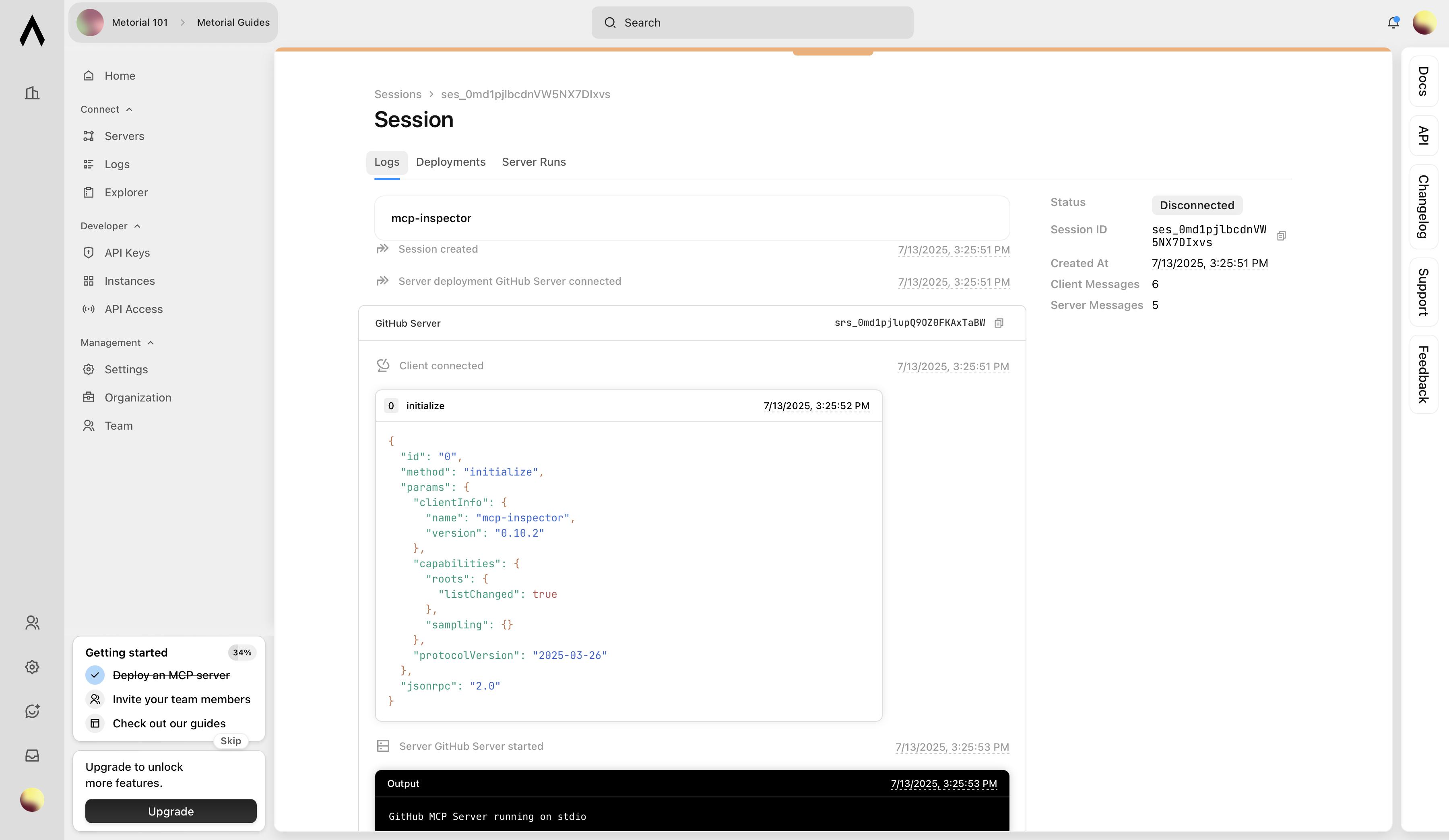
3
3. Inspect Server Runs
Switch to the Runs tab on a Deployment’s page (via Logs → Servers Runs) to review each server run.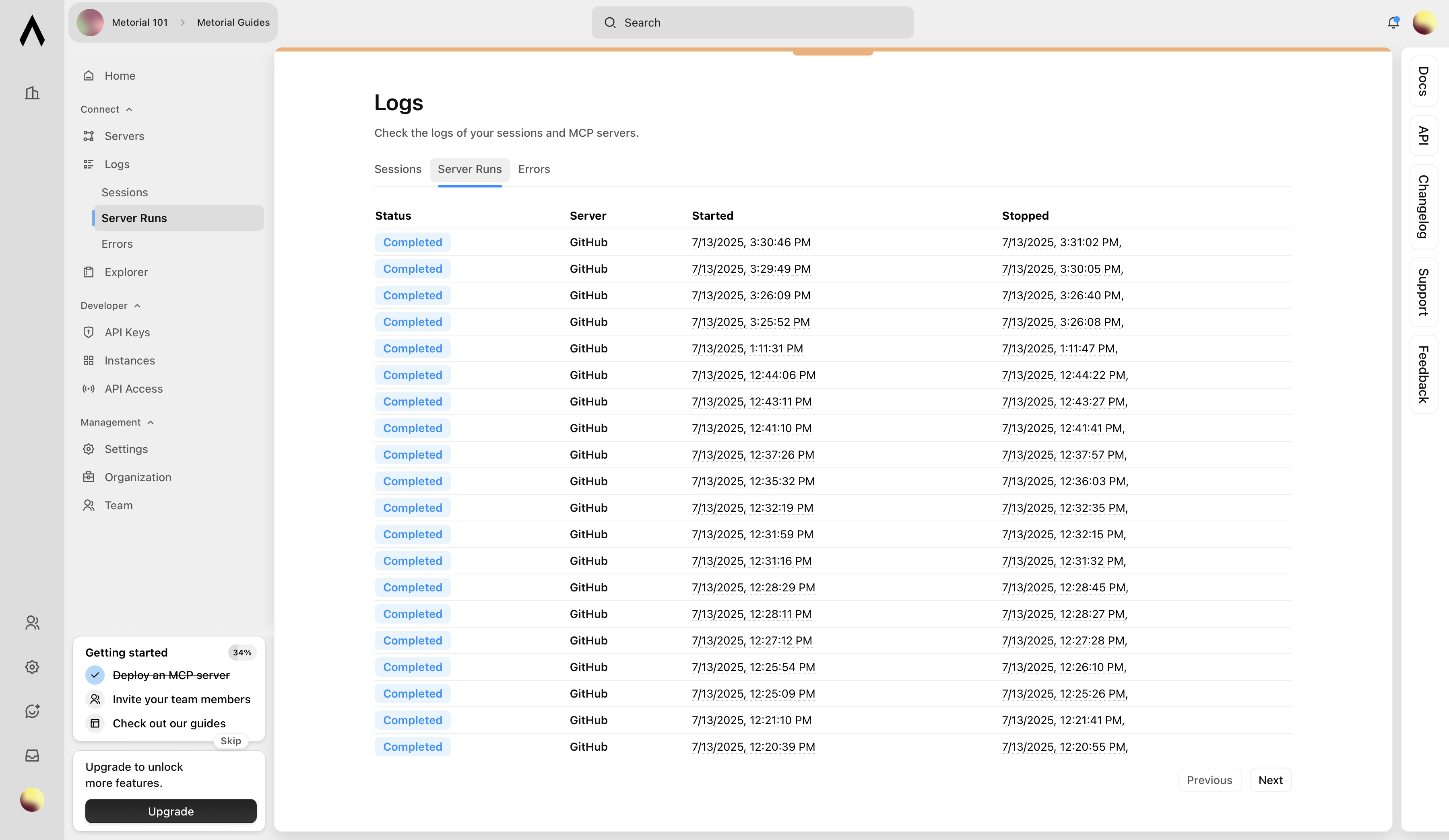
4
4. Follow Server Runs
Click any run row to open the detailed view.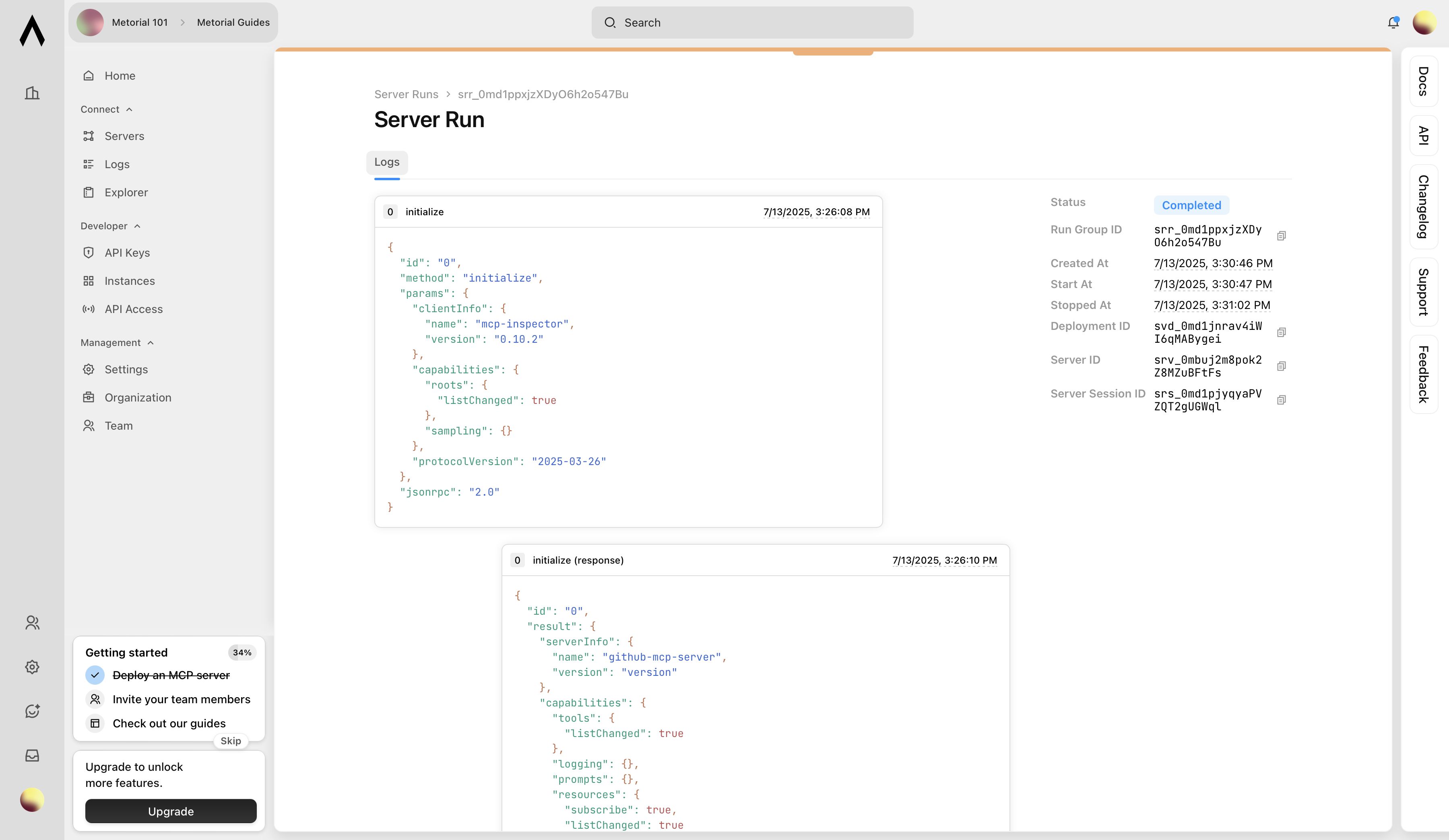
5
5. Review Errors
Select the Errors tab to surface any deployment- or runtime-level failures.